
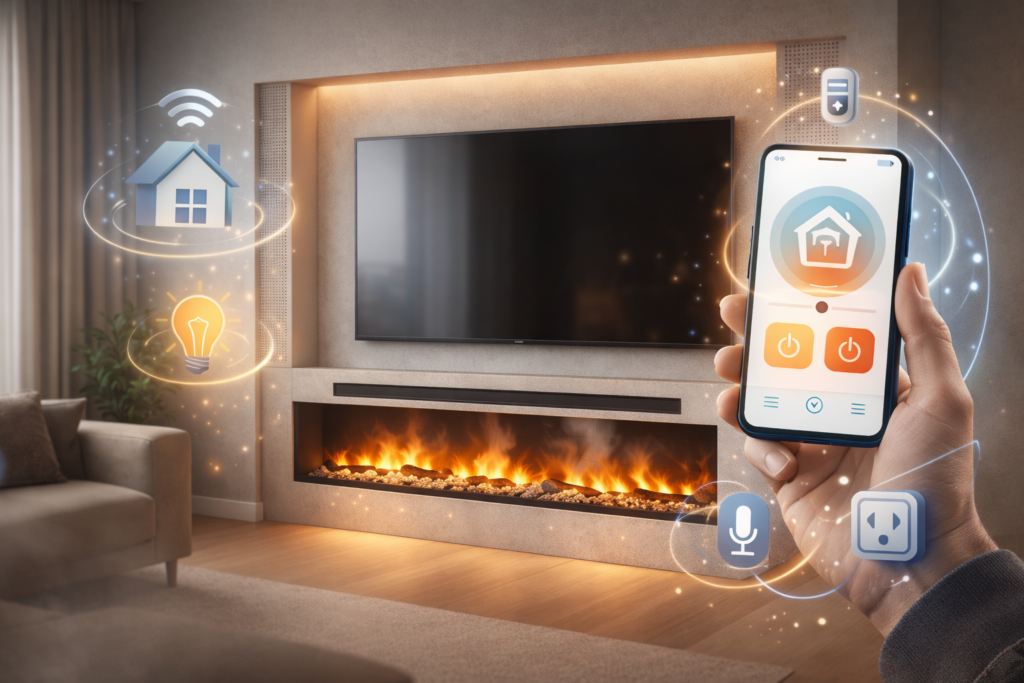
A modern electric fireplace is no longer just a source of heat, but a full‑fledged element of a smart home. Thanks to integration with an app and automation systems, you can control the fireplace from your phone, adjust the flame intensity, turn heating on or off, or even link its operation with other smart devices in your home. Below we show how to connect electric fireplaces to a smart home system and how to take advantage of their potential in everyday use.
What is an electric fireplace and how can it work in a Smart Home system?
An electric fireplace is a device that creates a visual LED flame effect, and some models also include a heating function via a fan heater. In modern versions, such fireplaces are equipped with a Wi‑Fi module and a mobile app, which enables remote control from a smartphone or tablet. This allows the electric fireplace to work automatically, for example turning on at a preset time or in response to changes in the room temperature.
In buildings equipped with a smart home system (e.g. Home Assistant, Apple Home, Google Home, Alexa), an electric fireplace behaves like a smart bulb or air conditioner: it can be added to scenes, schedules and device groups to create full smart‑home scenarios.
How does an electric fireplace connect to the app?
Most modern electric fireplaces with a mobile app (for example Aflamo Unique, Aflamo Royal Pro or Emotionflame models) work via Wi‑Fi and the Tuya app on your phone. In practice, the process is as follows:
After installing the fireplace and connecting it to power, you launch the Tuya app.
In the app, you go through the Wi‑Fi setup wizard, selecting your network and entering the password.
Once the communication with the home network is configured, the fireplace appears in the app as a separate device.
In the app you can typically adjust, among other things, the temperature, the brightness and intensity of the flames, turn the heating function on or off, and program the fireplace’s operating schedule. In this way, an electric fireplace with a heating function becomes more flexible: for example, heating can be limited to the evening, while during the day the fireplace works only in a visual mode, without extra energy consumption.
Integrating the fireplace with the Smart Home system
Once the app is set up, the next step is integrating the electric fireplace with the smart home ecosystem. Many modern systems support communication with devices via the Wi‑Fi or MQTT protocol, allowing you to:
- add the fireplace as a “light” or “heater” in the home app (e.g. Google Home, Apple Home or Alexa),
- create automations: for example “when the temperature in the living room drops below 19°C, turn on the electric fireplace with heating”,
- create scenes: “movie night scene” – dimming the lights, turning on the electric fireplace with fireplace crackling sound and a selected flame setting.
In practice, an Aflamo electric fireplace with an app can act as an aesthetic element of the interior, while also increasing comfort in the room. Thanks to integration with the app, you can log operating data, monitor energy consumption and adjust automations to match your habits.
Benefits of buying a modern electric fireplace
Connecting an electric fireplace to a smart home system offers several key advantages:
- Remote control: you can turn on the electric fireplace with sound from work or from your car, so you return home to a particularly cozy atmosphere.
- Flexible scheduling: for example, the electric fireplace with heating turns on automatically at a specific time, while during the day it works only in visual mode, without extra heating.
- Energy saving: smart scenes can turn off the fireplace when nobody is home, or
FAQ – Frequently Asked Questions
Can every electric fireplace be connected to a smart home app?
No. App and Wi‑Fi support is available only in selected models, for example Aflamo electric fireplaces from the “Unique” and “Royal Pro” series or similar Emotionflame models. Before buying, it is worth checking the product description to see if the electric fireplace with a mobile app is compatible with smart home systems.
Does an electric fireplace with heating consume a lot of electricity?
Power consumption depends on the fan heater’s output (usually 1–2 kW). With the heating function switched off, power consumption is much lower, making an electric fireplace with heating a reasonable solution as a supplementary heating source.
Does an electric fireplace with sound work without the app?
Yes. The fireplace sound is usually activated via the remote control or buttons on the unit, while the app only enables more advanced settings and integration with the smart home system.
Does an Aflamo or Emotionflame electric fireplace work with Alexa or Google Home?
Yes – if the fireplace supports the Wi‑Fi protocol and the app offers integration with external ecosystems, you can add it to Alexa or Google Home to control the electric fireplace by voice.
Is the installation of an electric fireplace with an app complicated?
The mechanical installation is usually simple (similar to that of a fireplace without an app), but the Wi‑Fi connection and app setup require basic knowledge of the home network. If needed, it is worth following the instructions provided by the manufacturer of the electric fireplaces.
